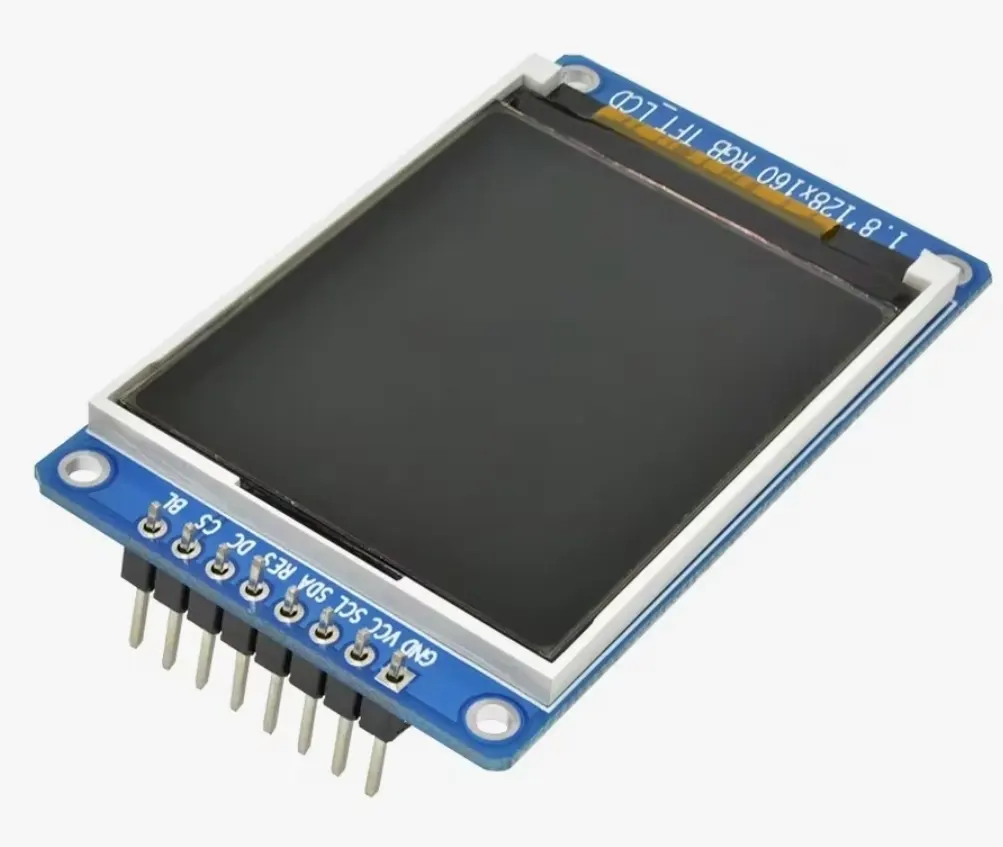
ST7789 TFT Display
ST7789 is a color TFT display controller commonly used in compact display modules. ST7789-based modules are available in different resolutions and configurations, making them suitable for graphical interfaces, dashboards, data visualization and embedded control panels.
Specifications
| Controller | ST7789 family |
|---|---|
| Color capability | 262K colors |
| Maximum documented resolution | 240RGB × 320 |
| Pixel formats | RGB444, RGB565, RGB666 |
| Common interface | SPI on display modules |
| Controller I/O supply range | Variant-dependent; ST7789V listed at 1.65–3.3 V VDDI |
| Display supply range | Variant-dependent; ST7789V listed at 2.4–3.3 V VDD |
Some links on this page are affiliate links. If you purchase through them, Embedded Nerd may earn a small commission at no additional cost to you. This helps support the website and allows us to continue creating free tutorials and guides. Thank you for your support!
Resources
You May Also Like

Introduction
The ST7789 is a color TFT display controller widely used in compact graphical display modules.
ST7789-based displays are commonly connected to microcontrollers through SPI and can provide a practical color interface for embedded projects. They are available in several physical sizes and resolutions, so the exact characteristics of a display module depend on the panel and breakout board used.
The controller is particularly common in projects using Arduino and ESP32, where it can be used for graphical user interfaces, sensor dashboards, menus, status screens and data visualization.
The ST7789 controller itself should not be confused with a single standardized display module. Different ST7789 modules can have different resolutions, pinouts, power arrangements and initialization requirements.
Key Features
- Color TFT display controller
- 262K-color capability
- Integrated display RAM
- RGB444, RGB565 and RGB666 pixel formats
- Supports multiple display interfaces
- Commonly used with SPI-based breakout modules
- Available in multiple display resolutions
- Suitable for graphical embedded interfaces
- Supported by popular Arduino display libraries
- Commonly used with ESP32 projects
Applications
ST7789 displays are suitable for applications such as:
- ESP32 graphical interfaces
- Arduino display projects
- IoT dashboards
- Sensor data visualization
- Portable instruments
- Robotics interfaces
- Home automation controllers
- Embedded control panels
- Status displays
- Data loggers
- Educational electronics
- Maker and embedded projects
Pinout
The exact pinout depends on the ST7789 display module.
A typical SPI breakout can expose connections such as:
| Pin | Function |
|---|---|
| VCC | Module power |
| GND | Ground |
| SCL / CLK | SPI clock |
| SDA / MOSI | SPI data |
| CS | Chip select |
| DC | Data / command control |
| RST | Hardware reset |
| BL / LED | Backlight control |
Not every ST7789 module exposes all of these pins. Some modules omit CS, while others include additional connections for features such as touch input or microSD storage.
Always check the documentation for the specific display board before wiring it to a microcontroller.
How It Works
The ST7789 receives display commands and pixel data from the host controller and uses its internal display memory to control the TFT panel.
When an image or graphical element is sent to the display, the microcontroller transfers the corresponding pixel data through the configured interface. With an SPI breakout, this normally involves sending commands and pixel data over the SPI bus while using additional control signals such as DC, CS and RST when provided by the module.
For color graphics, RGB565 is commonly used because each pixel requires 16 bits of data while still providing a useful range of colors.
A 240 × 240 image using RGB565 requires:
240 × 240 × 2 = 115,200 bytes
of pixel data.
ST7789 SPI Interface
SPI is commonly used by ST7789 breakout boards because it allows graphical data to be transferred using relatively few microcontroller pins.
A typical SPI connection uses:
- SPI clock
- MOSI
- Chip select, when provided
- Data/command control
- Reset, when provided
The exact wiring depends on the display module and the microcontroller board.
ST7789 modules can therefore be used with different microcontrollers as long as the required electrical interface and software configuration are supported.
Compatible Boards
ST7789 displays can be used with microcontrollers that provide a compatible interface and suitable electrical levels.
Common development platforms include:
- Arduino-compatible boards
- ESP32 development boards
- Other SPI-capable microcontrollers
The exact compatibility depends on the display breakout rather than the ST7789 controller alone.
In particular, the display module’s power requirements and logic-level compatibility should be checked before connecting it to a board.
ST7789 with ESP32
The ST7789 is a practical display controller for ESP32 projects because the ESP32 provides hardware SPI interfaces suitable for transferring graphical data.
Typical projects include:
- Wi-Fi status displays
- Sensor dashboards
- Graphical menus
- Portable instruments
- IoT control panels
- Game interfaces
- Robotics displays
The ESP32 can also process sensor data or network information while the ST7789 handles the graphical output.
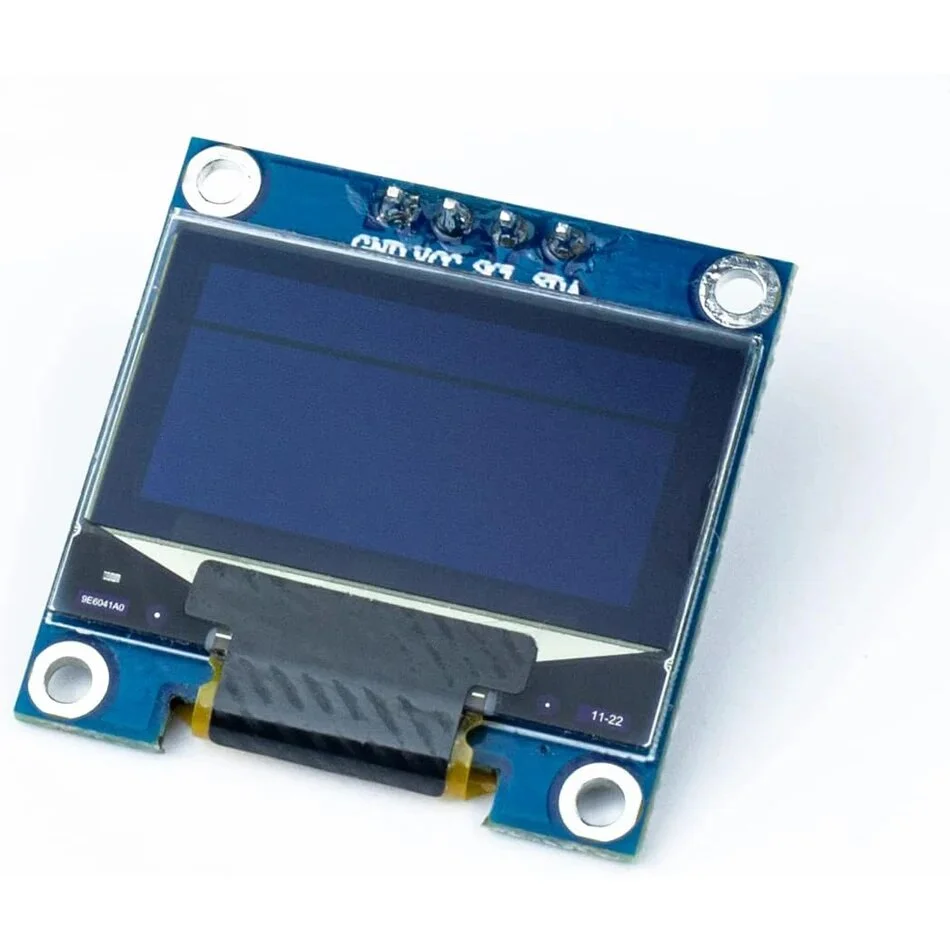
For a project using an existing Embedded Nerd display, the SSD1306 OLED Display provides a simpler monochrome alternative when a color TFT is not required.
Common ST7789 Resolutions
ST7789-based modules are available with different physical resolutions.
Common examples include:
- 240 × 240
- 240 × 280
- 240 × 320
- 320 × 170
These resolutions are examples of ST7789-based display modules rather than a single universal ST7789 module specification.
The Sitronix ST7789V controller family is documented for 240RGB × 320 addressing, while commercial breakout boards can expose different portions or configurations of the controller’s display memory.
This is why the display dimensions normally need to be specified when initializing an ST7789 library.
RGB565
RGB565 is one of the most commonly used color formats with ST7789 displays.
Each pixel is represented using 16 bits:
- 5 bits for red
- 6 bits for green
- 5 bits for blue
RGB565 is particularly useful for microcontrollers with limited RAM because it requires only two bytes per pixel.
Technical Details
The ST7789V family is listed by Sitronix as a 262K-color display driver with RAM and a 240RGB × 320 resolution.
Sitronix lists the ST7789V with:
- VDDI: 1.65–3.3 V
- VDD: 2.4–3.3 V
- 262K-color capability
- Integrated RAM
- Multiple interface options
These are controller-level specifications. A complete breakout board can have additional circuitry, such as voltage regulation or level shifting, which changes how the finished module should be powered.
For this reason, the specifications printed for a particular ST7789 display module should take priority over generic controller specifications.
Display Initialization
One of the most important considerations when using an ST7789 module is correct initialization.
The software normally needs to know the display’s:
- Width
- Height
- Rotation
- Color order
- Initialization sequence
- X/Y offsets where applicable
- SPI configuration
Two displays using the ST7789 controller can therefore require different initialization parameters.
Arduino Library
Arduino projects can use the Adafruit ST7735 and ST7789 Library together with the Adafruit GFX Library.
The display initialization must match the actual resolution and configuration of the module.
The Arduino Library Manager can be used to install the Adafruit ST7735 and ST7789 library and its required dependencies.
TFT_eSPI
TFT_eSPI is another widely used graphics library for ST7789 displays, particularly in ESP32 projects.
Its configuration system provides ST7789-specific setup files where parameters such as display dimensions, color order, SPI pins and control pins can be selected.
This makes it important to select a configuration matching the exact ST7789 display being used.
Why Choose ST7789?
The ST7789 is useful when a project needs a compact color graphical display rather than a simple text or monochrome screen.
Its main practical advantages include:
- Color graphics
- SPI connectivity on many breakout boards
- Support for 16-bit RGB565 graphics
- Availability in different display sizes
- Good support in common embedded graphics libraries
- Suitable for ESP32 and Arduino projects
- Practical for dashboards and graphical interfaces
The main limitation is that the ST7789 name does not identify one standardized module. The exact display hardware must therefore be checked before wiring or programming.
Project Ideas
ST7789 displays can be used as the visual interface for many Embedded Nerd projects.
ESP32 Sensor Dashboard
Combine an ESP32 with sensors and an ST7789 display to show live measurements, system status and graphical indicators.
Portable Environmental Monitor
Create a portable device that displays environmental measurements such as temperature, humidity or pressure.
ESP32 Wi-Fi Status Display
Use an ESP32 to connect to a Wi-Fi network and display connection information, signal status and other system data.
Graphical Menu System
Build a reusable graphical interface with menus, settings and status screens.
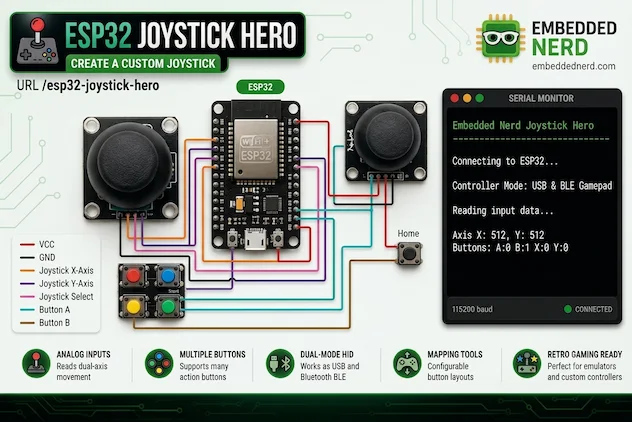
Miniature Embedded Game
Use the color display together with buttons, a joystick or another input device to create a small graphical game.
Documentation
The most reliable source for controller-level information is the official Sitronix documentation.
For Arduino development, the Adafruit GFX and Adafruit ST7735 and ST7789 libraries provide a practical software interface for compatible displays.
For ESP32 projects, TFT_eSPI provides ST7789-specific configurations and driver support.
When configuring a display, always identify the exact module resolution and pinout first. Generic ST7789 settings should not automatically be assumed to work with every breakout board.
Related Products
The Embedded Nerd product catalog includes components that can be useful alongside an ST7789 display:
Frequently Asked Questions
What is an ST7789 display?
ST7789 is a display controller family used in color TFT display modules. The controller provides display memory and receives commands and pixel data from a host microcontroller.
Is ST7789 an SPI display?
Many ST7789 breakout modules use SPI, making SPI the most common interface encountered in Arduino and ESP32 projects. The controller itself supports several interface configurations, so the exact interface depends on the module.
Can I use an ST7789 with an ESP32?
Yes. ST7789 breakout displays with a compatible SPI interface can be used with ESP32 development boards. The exact wiring and software configuration depend on the display module.
Can I use an ST7789 with Arduino?
Yes. ST7789-compatible displays are supported by Arduino libraries such as the Adafruit ST7735 and ST7789 Library. The display resolution and initialization parameters must match the module.
Does every ST7789 display have the same resolution?
No. ST7789-based modules are sold with different resolutions and physical configurations. The exact resolution should be checked for the specific display module.
What is RGB565?
RGB565 is a 16-bit pixel format that allocates 5 bits to red, 6 bits to green and 5 bits to blue. It is commonly used with ST7789 displays because it provides a practical balance between color depth and memory usage.
Why is my ST7789 display blank?
A blank screen can result from incorrect wiring, power, SPI configuration, reset or DC connections, incorrect display dimensions, wrong initialization parameters or an incompatible library configuration.
Does an ST7789 module require a library?
The microcontroller needs software capable of communicating with and controlling the display. Arduino projects can use libraries such as Adafruit ST7735 and ST7789 or TFT_eSPI. The exact library configuration depends on the display module.
Summary
The ST7789 is a widely used color TFT display controller for compact graphical embedded displays.
Its support for color graphics, integrated display RAM and common SPI-based breakout modules makes it particularly useful for Arduino, ESP32 and other microcontroller projects.
The most important point when working with an ST7789 display is to identify the exact module. Resolution, pinout, power requirements, offsets and initialization settings can vary between different ST7789-based displays.
For reliable projects, configure the software according to the specific display module rather than relying only on the ST7789 controller name.